
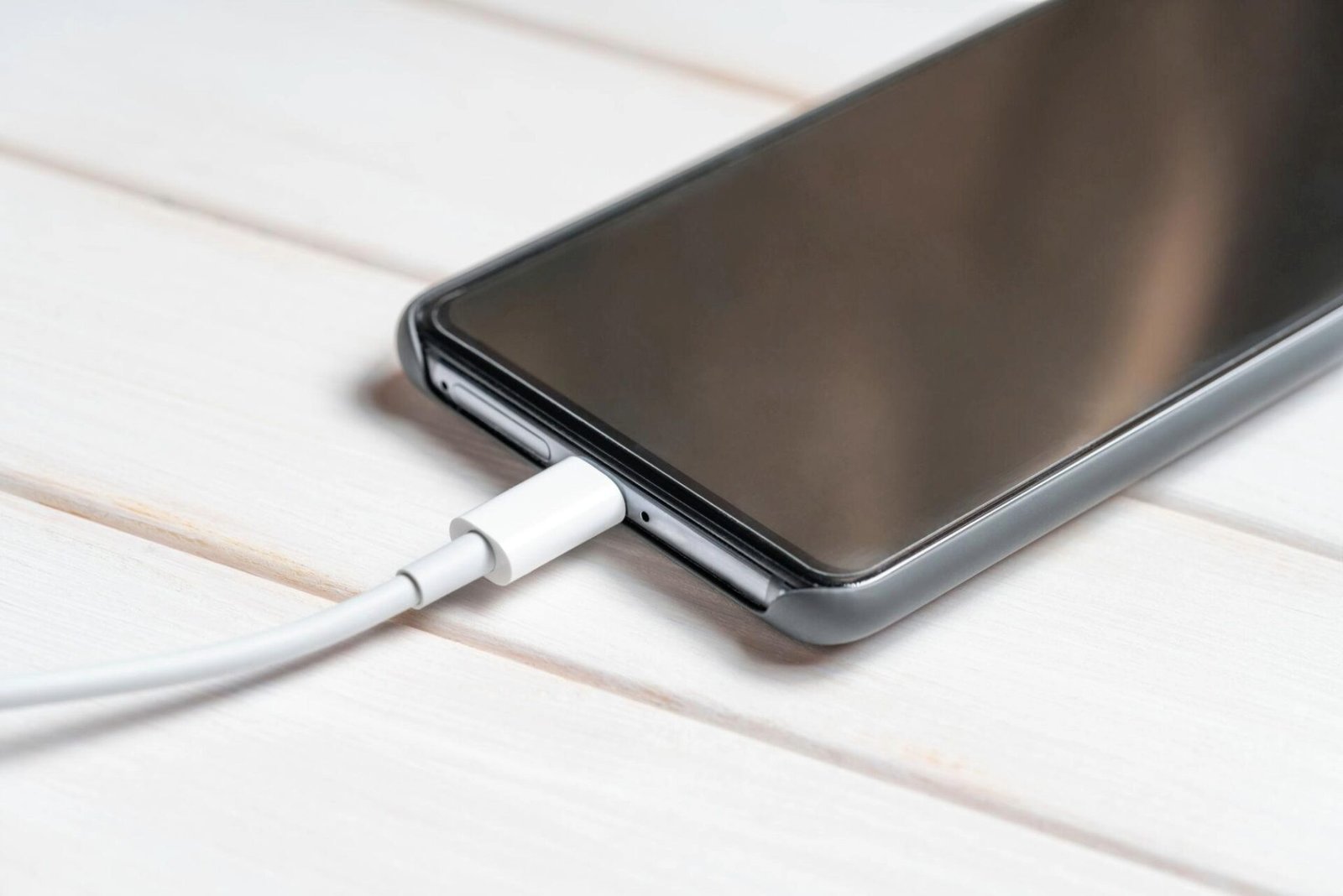
Seeing your phone connected to a charger but watching the battery percentage fall can be alarming. In many cases, however, it does not immediately mean the battery has failed.
The simplest explanation is a mismatch between power coming into the phone and power being consumed by the device. A phone running demanding apps, a weak power source or a charging system that has slowed because of heat can result in little or no battery gain.
Apple, Google and Samsung all provide guidance showing that charging speed can be affected by temperature, charging accessories, device usage and battery-management features.
Heavy phone use can cancel out charging
Gaming, video streaming, navigation, mobile hotspots and other demanding tasks can put significant load on a phone while it is connected to power.
Samsung specifically advises users to stop using high-performance apps while charging because activities such as gaming, browsing and video streaming can increase device temperature and slow charging.
Google similarly recommends limiting phone use when faster charging is needed.
The effect can be particularly noticeable when a phone is connected to a relatively low-power source, such as some laptop or vehicle USB ports.
Try this first: lock the phone for a while, reduce screen brightness and avoid demanding applications during charging.
The charger or cable may not be supplying enough power
Not every USB power source delivers the same charging performance.
Google advises Pixel users to use a compatible power adapter and notes that charging speeds can vary depending on the charger and cable. Its troubleshooting guidance also recommends trying another cable or adapter when charging is slow or stops.
Samsung likewise says damaged or non-approved charging accessories can result in slow or interrupted charging.
If the phone charges normally with one cable but barely gains battery with another, the accessory is an obvious place to investigate.
Heat can make charging slower
Temperature is another major factor.
Charging itself generates heat, while gaming, navigation, direct sunlight, a hot car or an enclosed phone case can raise the temperature further. Modern phones can reduce charging speed or temporarily stop charging when temperatures move outside a safe range.
Apple says iPhones can reduce charging current as the battery approaches full charge and may limit charging when battery temperatures become too high. Apple also advises avoiding charging in ambient temperatures above 35°C because excessive heat can permanently reduce battery lifespan.
Google says a Pixel phone may pause charging when it becomes too warm and resume once it cools. Samsung provides similar guidance for Galaxy devices.
For UAE residents, this can be especially relevant during periods of high outdoor and vehicle temperatures.
What to do: move the phone away from direct sunlight, stop demanding apps, remove a case if it is trapping heat and charge in a cooler indoor environment.
Dust or debris can interfere with the charging connection
A charging port can collect lint, dust and other debris over time. If the connector cannot make a proper connection, charging may become intermittent or significantly slower.
Samsung identifies debris in the charging port as a possible cause of charging problems and recommends inspecting the port and gently removing visible debris.
Google also recommends checking that nothing is lodged inside the charging port when troubleshooting charging problems.
If the cable feels unusually loose, charging cuts in and out or the connection changes when the phone is moved, the port or cable deserves attention.
Avoid inserting metal objects into the port. If the connector or port appears damaged, professional servicing is safer than attempting a repair yourself.
A background app may be consuming power
Sometimes the charger is working, but software activity is using power at the same time.
An app performing frequent location checks, synchronisation or other background activity can increase battery consumption. If the phone becomes warm despite little visible use, checking battery-usage information can help identify unusually active applications.
A restart and pending software or app updates can also be sensible troubleshooting steps.
However, repeatedly force-closing every app is not necessarily the answer. Modern smartphones are designed to manage background processes automatically.
Your phone may deliberately limit charging
A battery that appears to stop gaining charge is not always malfunctioning.
Modern smartphones include battery-protection features designed to reduce battery wear. On iPhones, Optimised Battery Charging can delay charging beyond 80 per cent based on the user’s charging routine. iPhone 15 and later models also offer configurable Charge Limits between 80 and 100 per cent.
Samsung Galaxy phones can also use battery-protection settings that limit charging depending on the selected mode.
So a phone remaining around 80 per cent for a period of time can be intentional rather than a sign that the charger has stopped working.
What should you check first?
If the battery percentage is actually falling while the phone is plugged in, work through the basics:
- Stop gaming, streaming or navigation temporarily.
- Connect the phone to a suitable wall charger rather than a weak USB source.
- Try a known-good, compatible cable.
- Check whether the phone is unusually hot.
- Remove it from direct sunlight or a hot vehicle.
- Inspect the charging port for dust or debris.
- Check battery settings for unusually heavy app usage.
- Restart the phone if the problem persists.
- Check whether battery-protection or charging-limit settings are active.
If the battery continues to drain rapidly even when the phone is idle and connected to a suitable charger, or if the device becomes unusually hot, repeatedly stops charging or has a visibly damaged port or cable, it may need professional inspection. Samsung specifically advises service-centre assessment when charging problems persist or battery performance has significantly deteriorated.
The key point is that a charging icon only confirms that the phone has detected a power connection; it does not guarantee that the battery percentage will rise at every moment. The amount of incoming power, what the phone is doing and its temperature all influence the result.
Why is my phone battery going down while charging?
The phone may be consuming power faster than the charger supplies it. Heavy apps, a weak charger, damaged cable, excessive heat or charging problems can cause this.
Can using a phone while charging drain the battery?
Yes. Demanding activities such as gaming, streaming and navigation can consume enough power to offset some or all of the incoming charge. Samsung and Google both advise limiting intensive use when faster charging is needed.
Why does my phone charge slowly when it gets hot?
Phones can automatically reduce or pause charging when temperatures become too high. This is a protective measure designed to manage battery and device temperature.
Can a bad charging cable cause battery drain while charging?
A damaged or unsuitable cable can cause slow, unstable or interrupted charging. Trying another compatible cable can help determine whether the accessory is responsible.
Why does my phone stop charging at 80 per cent?
Some phones deliberately limit charging to protect long-term battery health. Apple’s Optimised Battery Charging and Charge Limit features can delay or limit charging, while Android manufacturers offer comparable battery-protection functions.
Can dust inside the charging port affect charging?
Yes. Dust, lint or other debris can prevent the cable from making a proper connection and can result in slow or intermittent charging.
When should I get my phone checked?
Consider professional inspection if charging remains unreliable after trying a suitable charger and cable, the port appears damaged, the phone repeatedly overheats or battery life has deteriorated significantly.
